As technology becomes more integrated in our daily lives, smart home devices are becoming less of a luxury and more of a commonplace in households. A recent survey found that a lot of Americans, 69% actually, have at least one smart home device. But here’s the thing: only 31% are happy with how it all works together. The smart home market is getting huge and is expected to be worth $537 billion by 2030. Still, many people ask the same question: Is a smart home worth it?
The answer is not a simple yes or no. The smart home pros and cons change based on how you live, what you can spend, and if you like playing with tech. Before you go on a shopping spree for smart gadgets, let’s break down what you need to know about smart living technology.
What Is a Smart Home System?
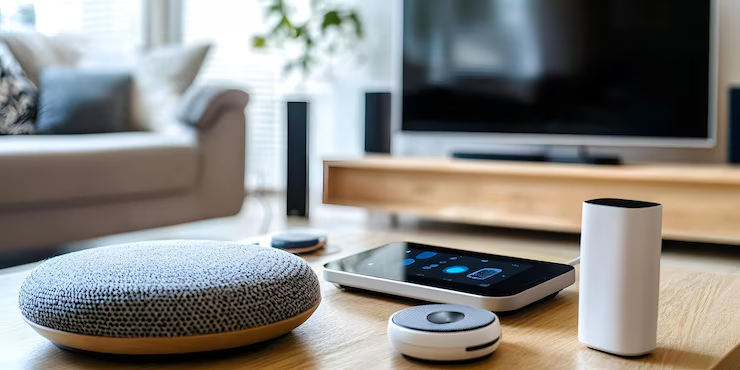
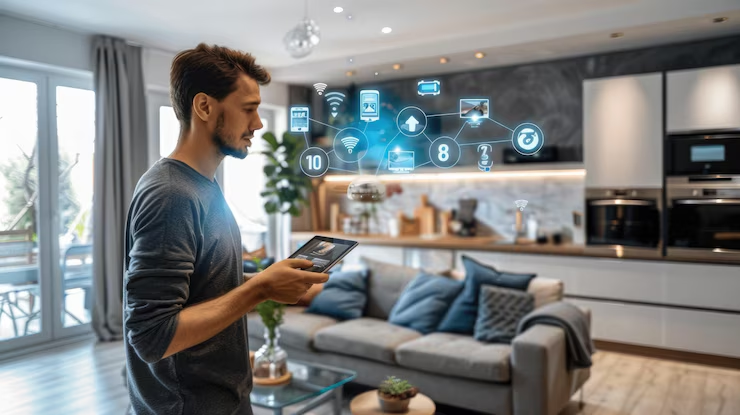
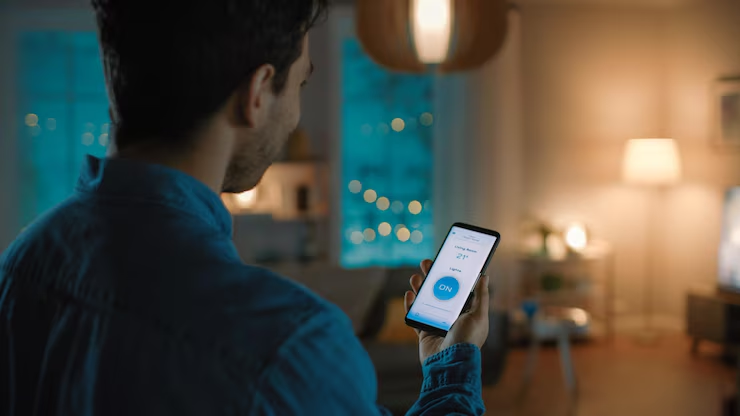
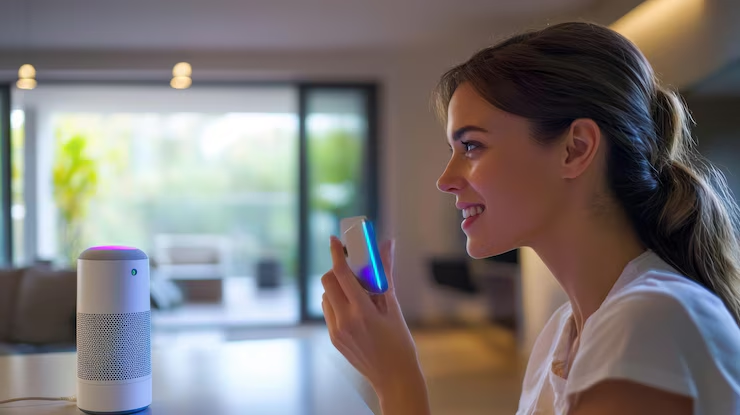
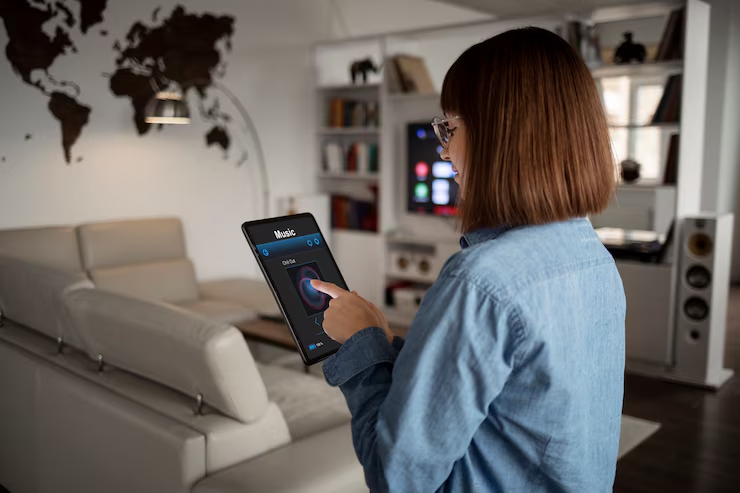
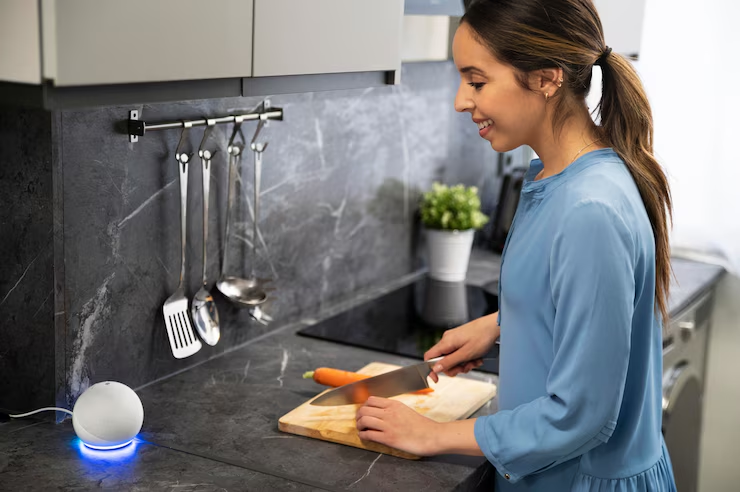
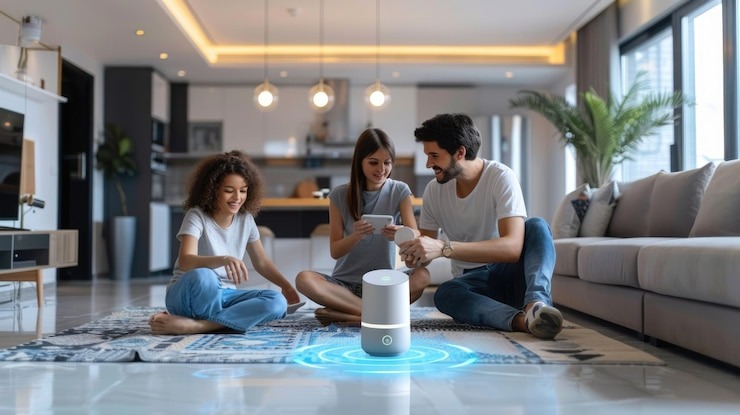
So, what is a smart home system? It’s basically a bunch of devices in your house connected to the internet. They can talk to each other, and you can control them from your phone or with your voice. Your system could be as simple as a few smart light bulbs or a big setup that controls everything from your heat to your coffee maker.
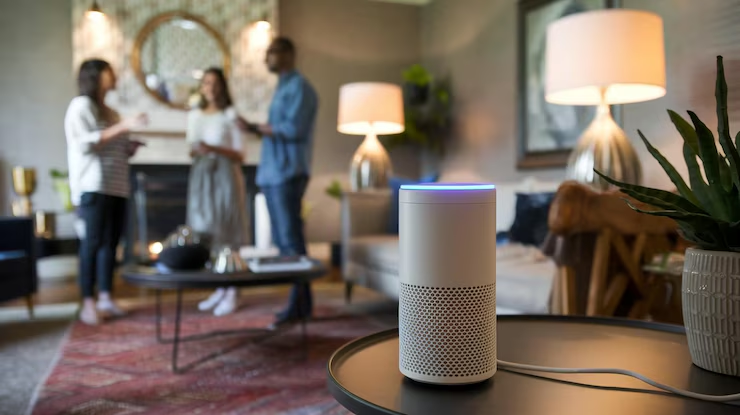
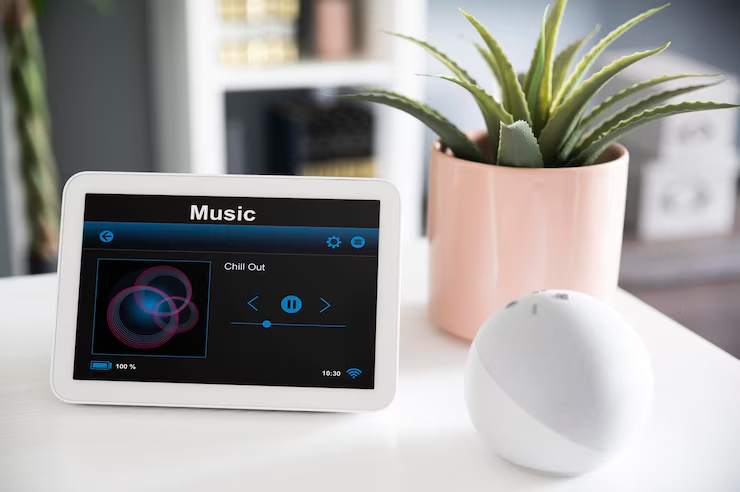
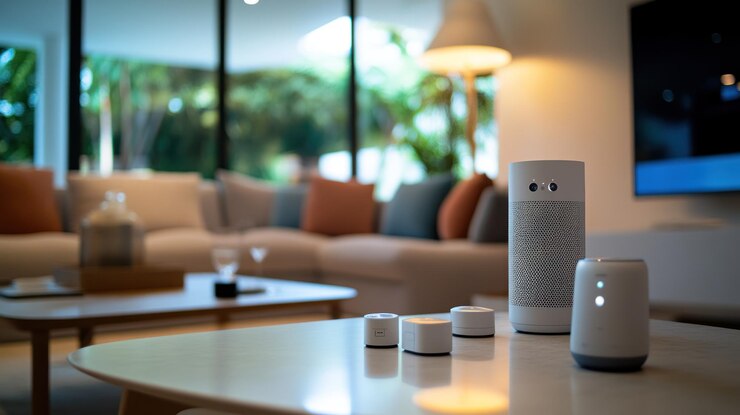
The main parts are usually a central hub (like an Amazon Echo or Google Home), the smart devices themselves, and the apps on your phone to run them. The whole point is to make your home more convenient, safe, and energy-efficient.
Modern smart home systems can even learn your daily schedule. Your lights could dim on their own at night, the thermostat can turn down when you leave for work, and your security cameras can ping your phone if they see something weird.
Advantages of Smart Homes

The advantages of smart homes go way beyond just being able to turn off lights from your couch. Here’s what makes these systems attractive to millions of homeowners:
1. Smart Home Energy Savings
- Smart home energy savings are probably the biggest draw for most people. Studies show that smart thermostats alone can reduce heating and cooling costs by 10-23% annually. That translates to about $131-145 in savings per year for the average American household.
- Smart lighting systems use LED bulbs that consume up to 75% less energy than traditional incandescent bulbs. When combined with motion sensors and scheduling features, you can cut your lighting costs by 60-70%.
- Smart appliances like refrigerators, washing machines, and dishwashers can optimize their energy usage by running during off-peak hours when electricity rates are lower. Some utility companies even offer rebates for using these energy-efficient devices.
The numbers add up quickly. Homes with comprehensive smart home systems typically see a 20-30% reduction in overall energy consumption, which can save $200-300 annually on utility bills.
2. Better Security
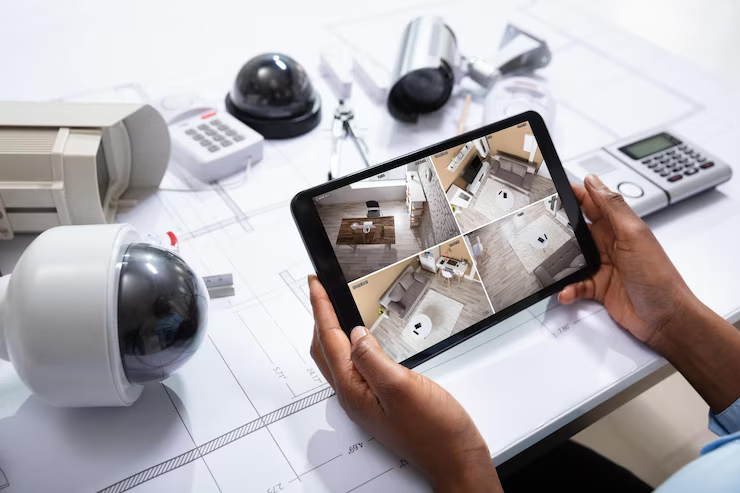
Smart home security is way better and cheaper than it used to be. Smart doorbells with cameras let you see who’s at your door from anywhere. Smart locks mean you don’t need keys and can give a temporary code to a friend or repair person.
Smart security cameras can tell the difference between a person, a pet, or a car, so you get fewer false alarms. Some even have facial recognition to know if it’s a family member or a stranger.
The security industry says that homes with security cameras are 300% less likely to be broken into. Even a simple system with sensors on your windows and doors makes your home a lot safer.
3. Convenience and Automation
Smart living technology is great at doing boring tasks for you. You can use your voice to control a bunch of things at once with a simple command like “Goodnight” or “I’m leaving.” You can program smart appliances to start cooking dinner before you get home or have coffee ready when you wake up.
You can set up ‘scenes’ that do multiple things at once. For example, an “I’m home” scene could unlock your door, turn on the living room lights, set the thermostat, and play your favorite music, all automatically.
Disadvantages of Smart Homes
Every technology that offers immense benefits often comes with certain drawbacks that we tend to overlook; yet these play a key role and should be carefully considered before making a major investment. They include:
1. High Upfront Costs
Smart home systems require significant initial investment. A basic smart thermostat costs $150-300, while comprehensive systems can run $2,000-5,000 or more. Smart appliances typically cost 20-30% more than their traditional counterparts.
Hidden costs include:
- Monthly subscription fees for cloud storage and advanced features ($5-15 per month per device)
- Professional installation costs ($100-500 per device)
- Regular upgrades as technology evolves
- Higher electricity bills if devices aren’t properly configured
2. Privacy and Security Worries
Smart devices collect a lot of data about what you do every day. This info is often shared with other companies for ads.
Smart speakers are always listening for their wake word. Smart TVs and cameras can be hacked, letting someone spy on you. Big smart home companies have had data breaches that leaked personal info from millions of users.
The FBI has even put out warnings about security problems with smart home devices, especially the cheap ones that don’t have good security built-in.
3. Setup Complication
Smart home systems can be a real headache to set up. Devices from different brands don’t always talk to each other because they use different signals (like Wi-Fi, Zigbee, or Z-Wave). Getting it all to work together smoothly is not always easy.
If your internet goes down, your whole system might stop working. You could be stuck without being able to control your lights, heat, or even unlock your front door if you only use a smart lock.
Software updates can sometimes break things, and companies can stop supporting older devices, leaving you with expensive junk.
What Is the Best Smart Home System?
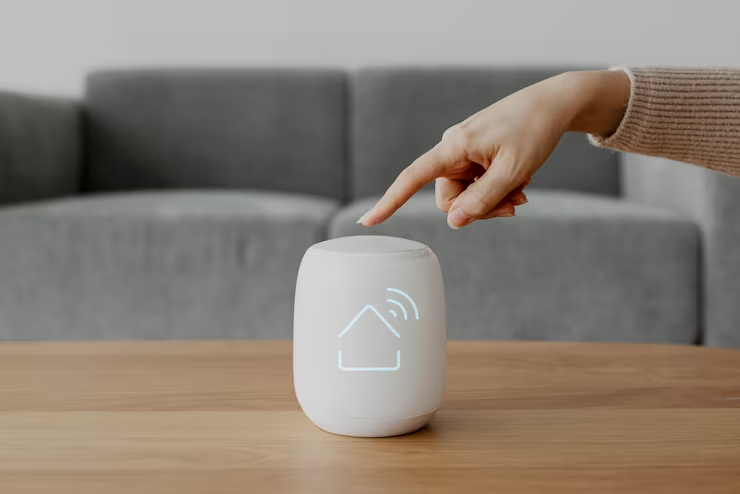
What is the best smart home system? It depends on your specific needs and budget, but here are the top contenders:
- Amazon Alexa: Works with the most stuff and is usually the cheapest. It’s great for beginners.
- Google Home: Understands what you’re saying a little better and works perfectly with Google services like Gmail and Google Calendar.
- Apple HomeKit: The best for privacy and security, but it works with fewer devices and costs more. It’s the best choice for iPhone users who care a lot about privacy.
For a DIY smart home setup, it’s a good idea to pick one system and stick with it. It makes everything less complicated.
DIY Smart Home Setup vs. Professional Installation
A DIY smart home setup can save you hundreds of dollars in installation costs, but it requires time and patience. Most smart devices are designed for self-installation, with step-by-step apps and video tutorials.
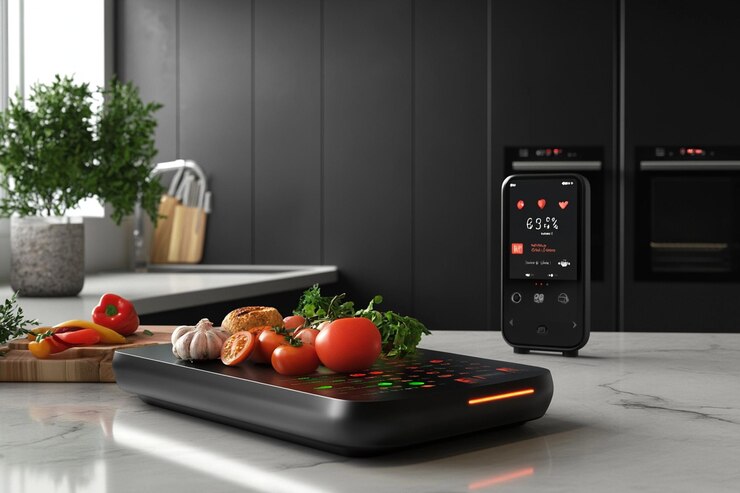
Start with simple devices like smart plugs ($10-20 each) and smart bulbs ($15-30 each). These require no wiring and can be installed in minutes. Smart thermostats and security systems might need professional installation depending on your home’s wiring.
Professional installation makes sense for complex systems or if you’re not comfortable with basic electrical work. Costs typically range from $100 to $500 per device but include setup, testing, and often ongoing support.
Making the Right Call
Is a smart home worth it for you? To check the answer to this question, consider these factors:
- Budget: Start small. You don’t have to automate your whole house at once. Get a smart thermostat or a few plugs and see how you like it.
- Tech Comfort: If you like figuring out new tech, you’ll probably have fun. If you want things to just work, stick to the basics.
- Privacy: Read up on the company’s privacy rules. Some are better than others.
- Home Ownership: If you rent, get devices you can take with you when you move, not things that have to be permanently installed.
What Should Be the Bottom Line?
The smart home pros and cons are different for everyone. The tech offers real benefits in energy savings, security, and convenience. But the problems, cost, privacy, and complexity are just as real.
The smart home market will keep growing, and prices will come down. Smart appliances and smart living technology are already becoming normal in new houses.
The key is to start slow. Buy devices that fix a real problem for you. Don’t just get smart gadgets because they seem cool. With a little planning, a smart home can make your life easier. Just remember, the smartest way to do it is often the simplest.